Create Your Own Valentines Card For Free In Minutes

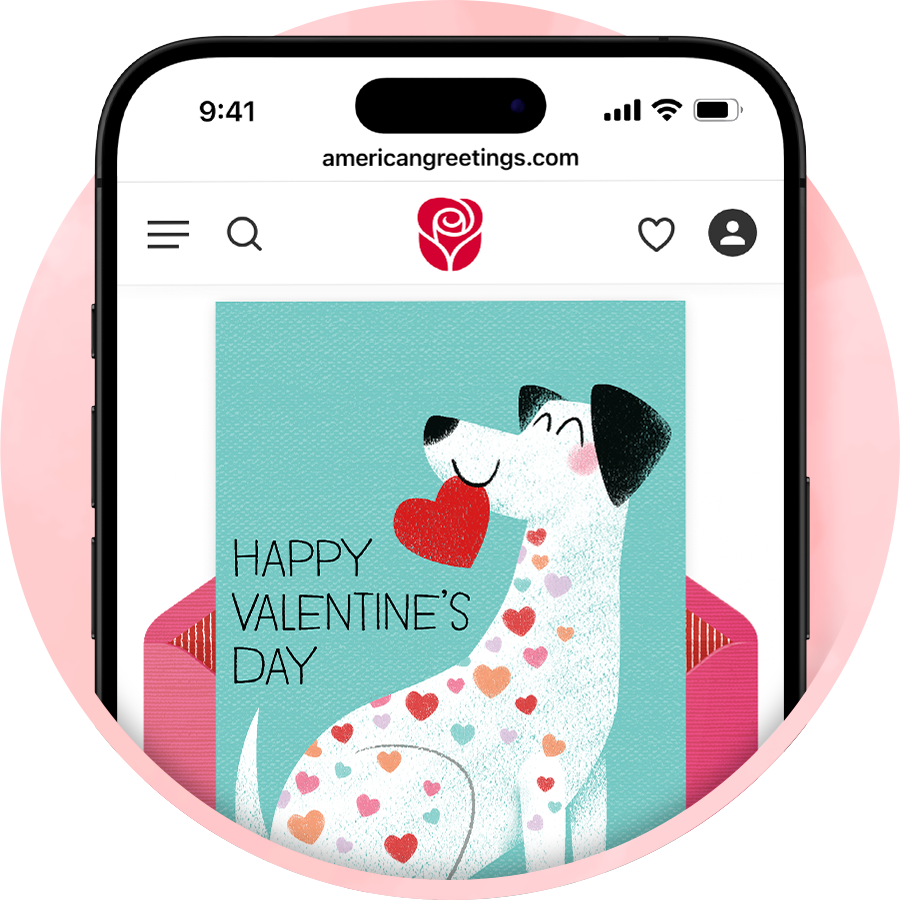
Nothing says “I love you” like a custom Valentine’s Day card. Just add photos, a message and your signature. It’s so easy, they’ll never know it only took 2 minutes (instead of 2 hours) to create professional-looking, perfectly personalized valentine cards this year.

Start a free trial membership to create your own valentines card that’s as thoughtful and one-of-a-kind as your heart.

Create Your Own Valentines Card For Free In Minutes

Make Valentine's Day cards
Easy-to-use Card Editor
Add Photos or Video
AI-powered Message Ideas
Print or Share with Ease

1. Choose Your Valentine’s Day Card Template

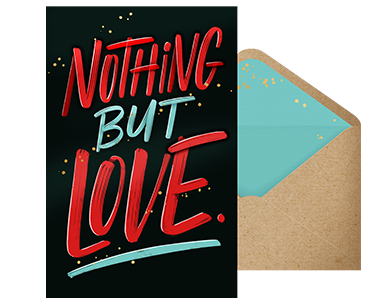
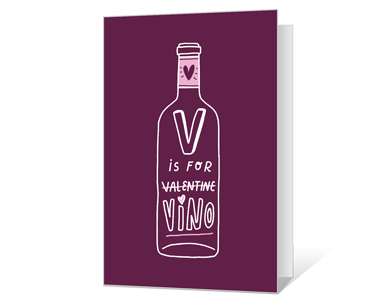
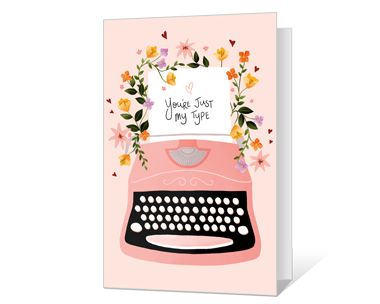
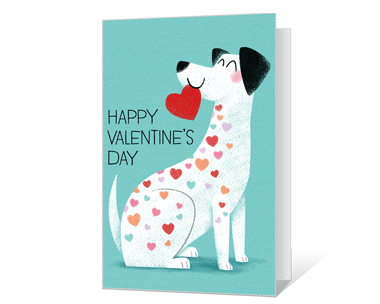
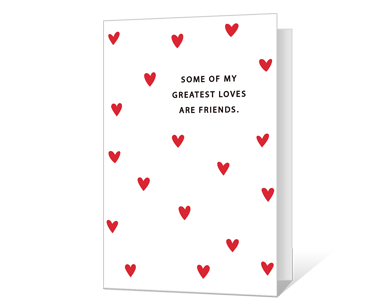
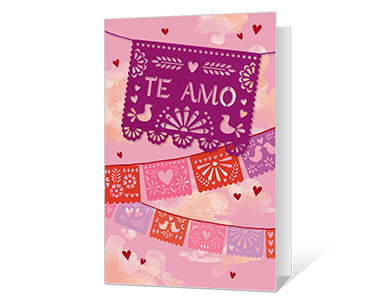
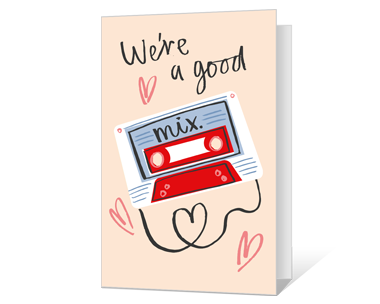
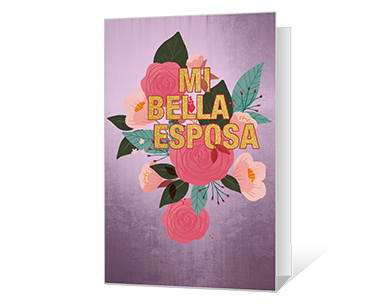
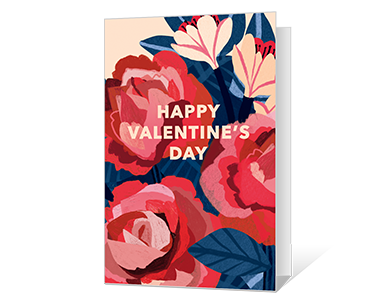
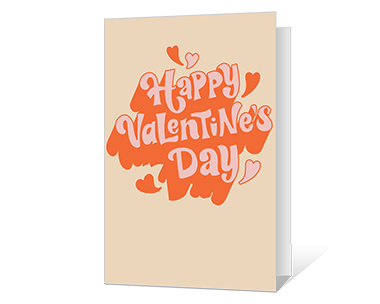
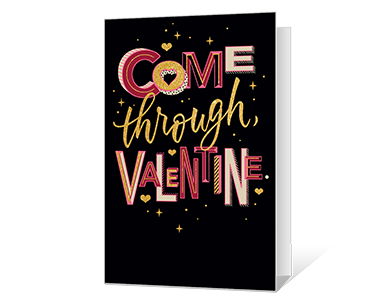
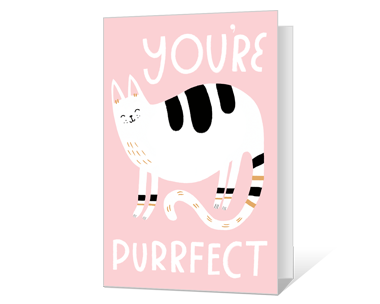
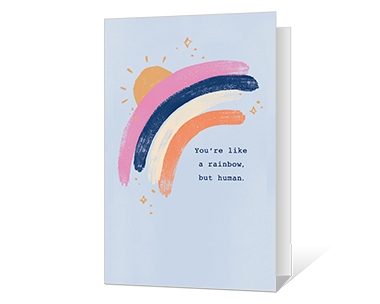
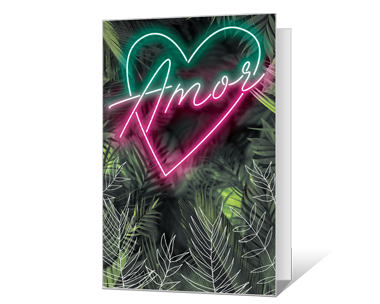
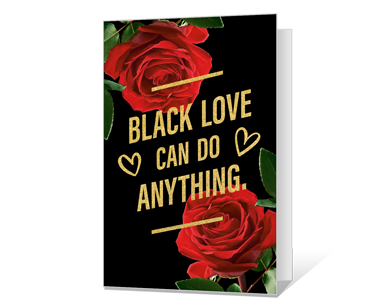
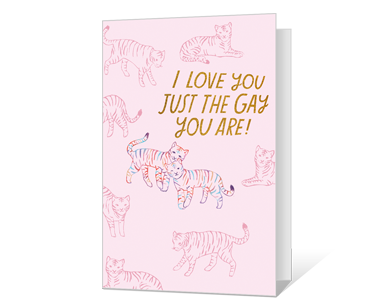
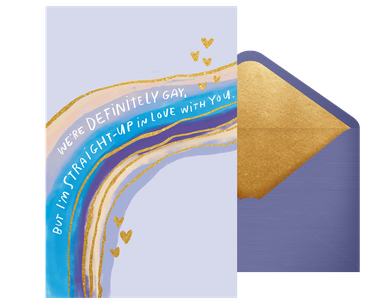
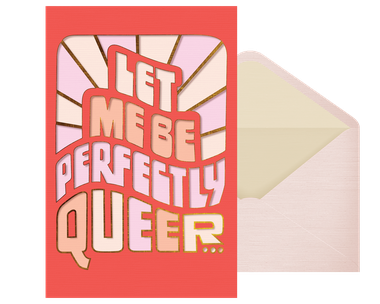
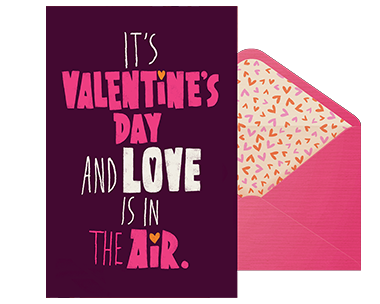
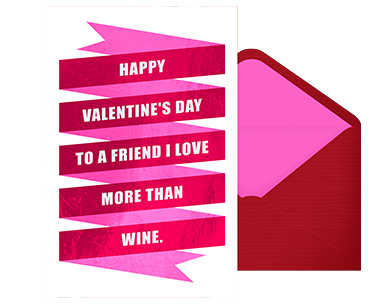
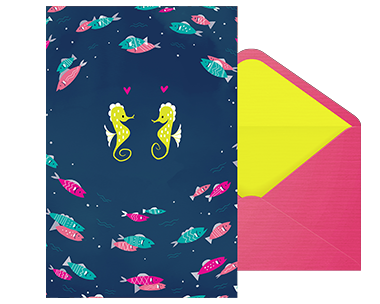
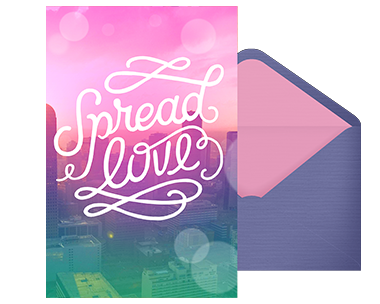
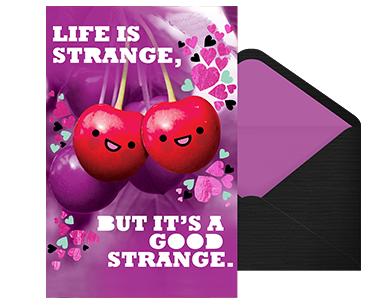
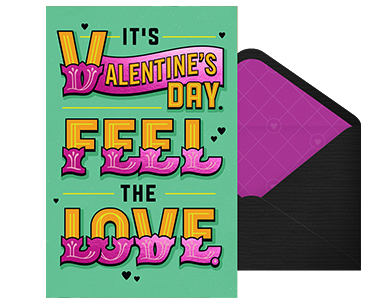
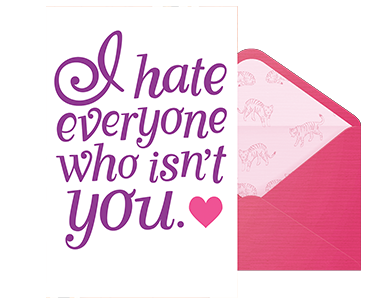
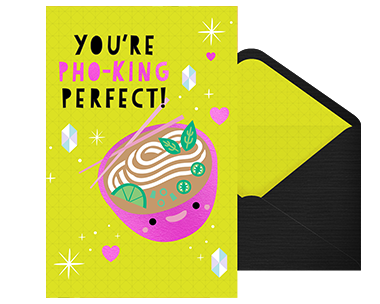
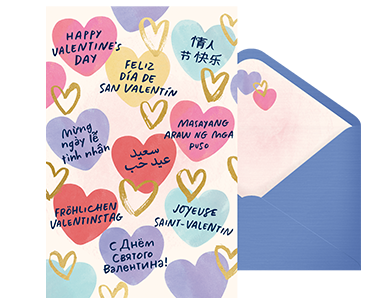
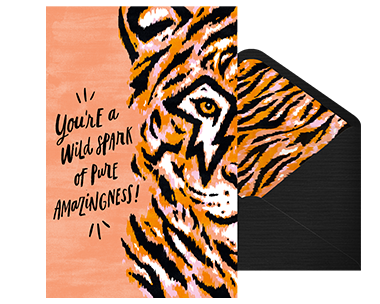
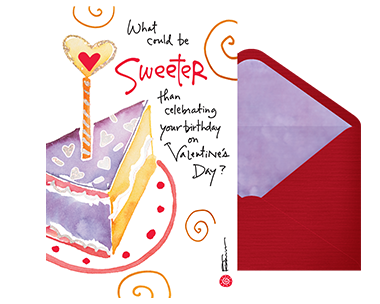
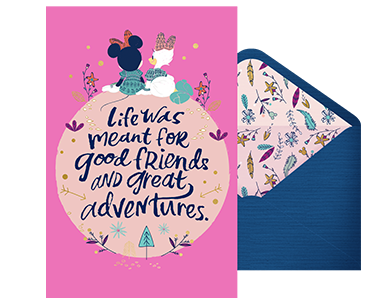
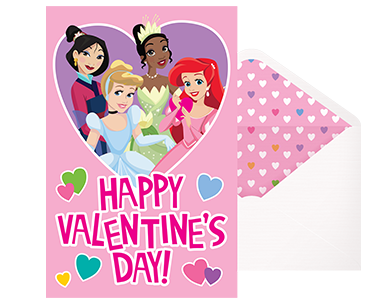
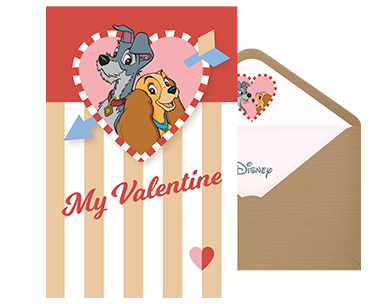
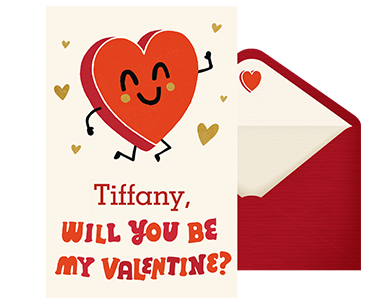
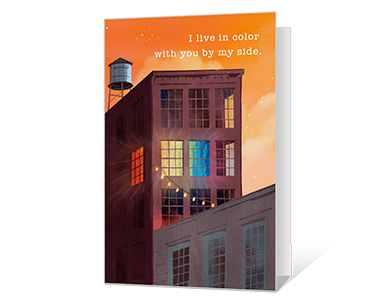
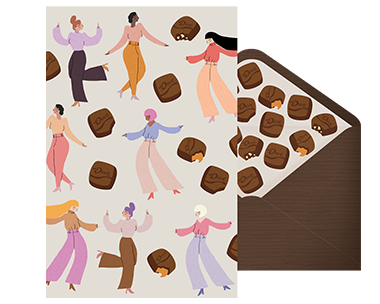
Picking the right vibe for your valentines is easy when you make your own Valentine’s Day card with American Greetings. Whether you’re going for romantic, funny or super sentimental, we’ve got cards for every relationship, from your partner to your kids or even your besties. Customize a theme that truly matches your feelings.

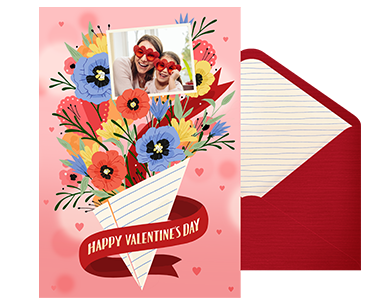
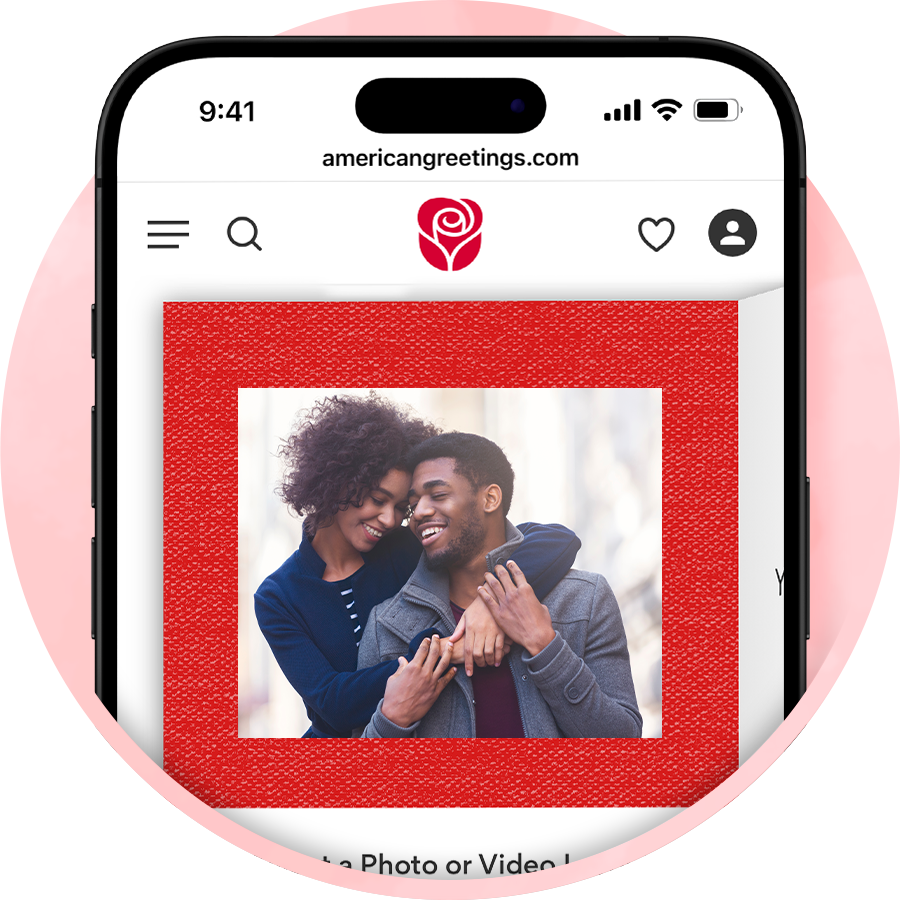
Make your card unique with personal photos or video using our Valentine’s Day card creator. Add a nostalgic throwback pic, a snapshot of the two of you or even a video message straight from the heart. The valentine maker makes it easy to turn memories into something magical.

2. Upload Photos or Video

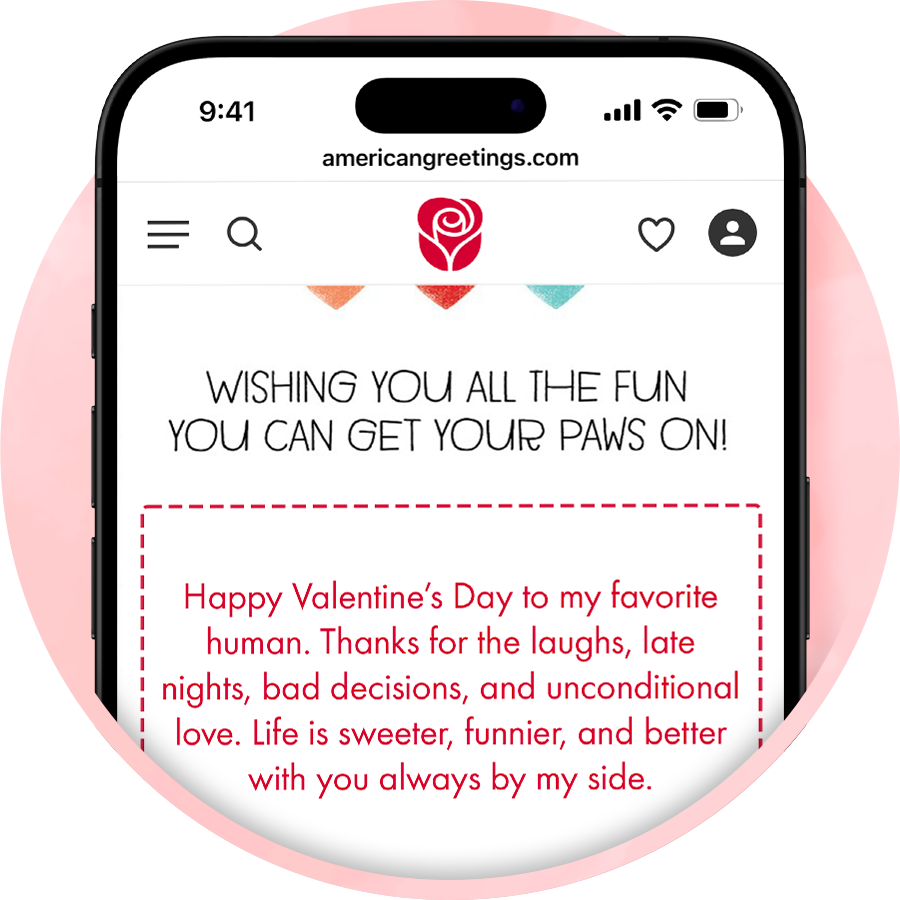
Including a message from the heart will make your valentine feel extra special this year. Start by thinking about the type of relationship you have — romantic, friend or family — and what your recipient means to you. Then type what you want to say into the text box and adjust the font, size and color of the text to make it just right for your card. Don’t know what to say? Find inspiration here, or let our AI messaging assistant craft the perfect message for your personalized valentine cards.

3. Write a Personalized Message

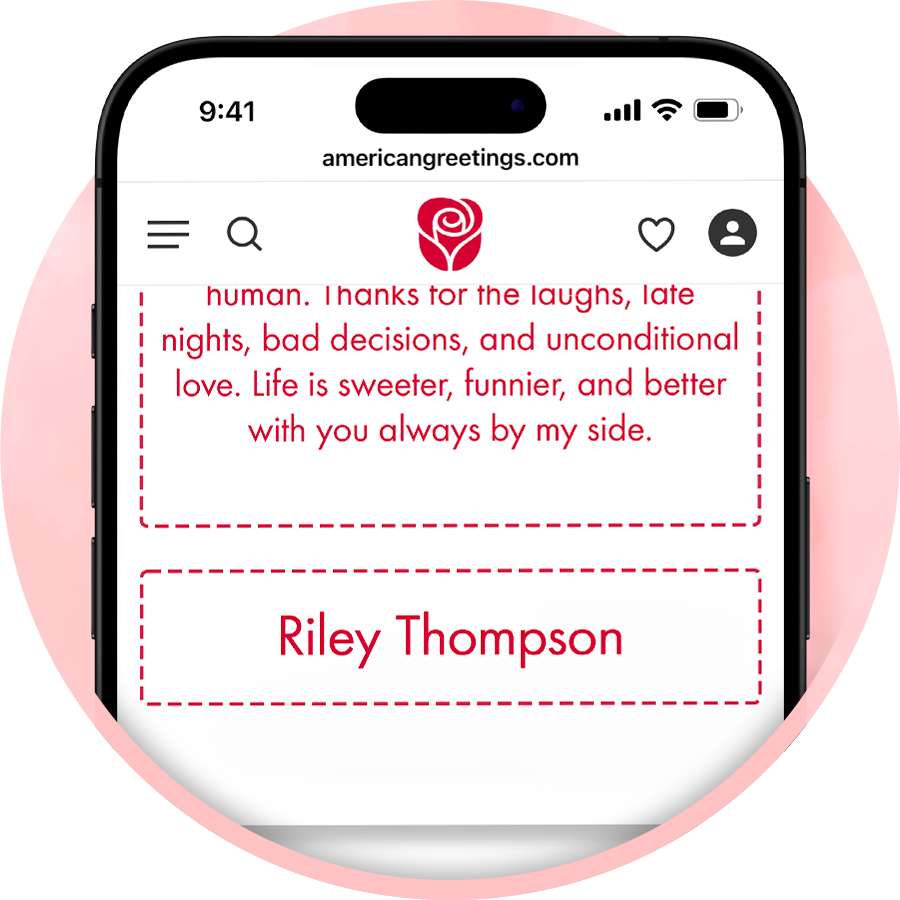
Signing your name adds a personal touch to your card, plus it’s easy to do! Within the valentines card maker, you can either sign your name with your cursor or finger or type your name and choose from a selection of script options.

4. Sign Your Name

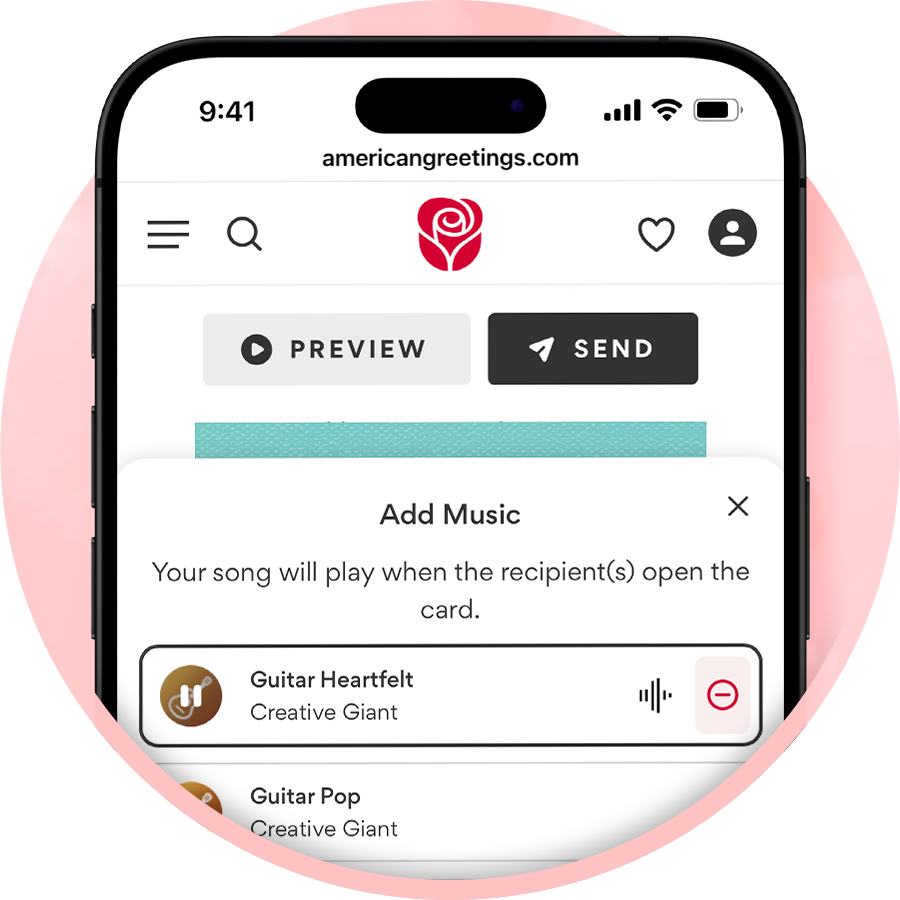
To make your Valentine’s Day card even more special, some of our cards offer the ability to add music or digital confetti. Choose digital confetti for a fun card-opening experience. Just like real confetti, the digital confetti will burst out of the card when the recipient taps open the envelope. Or select a card with music options to add a soundtrack to your Valentine’s Day card. You can either choose from our library of love songs or create a custom song to share a one-of-a-kind gift for your one true love.

5. Add Music and Other Digital Effects

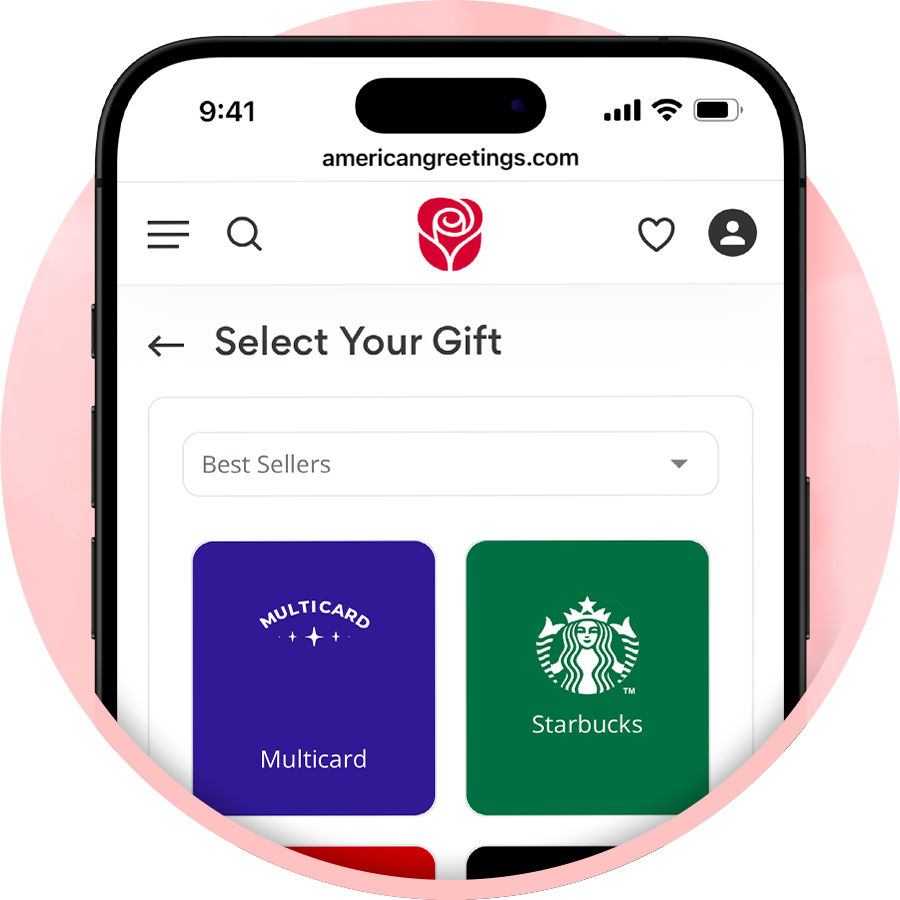
Pair your card with a digital gift card to make Valentine’s Day even sweeter. From popular retail brands to fun dining options, adding a little something extra is quick and simple.

6. Include a Thoughtful Gift

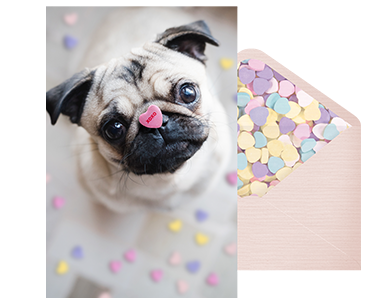
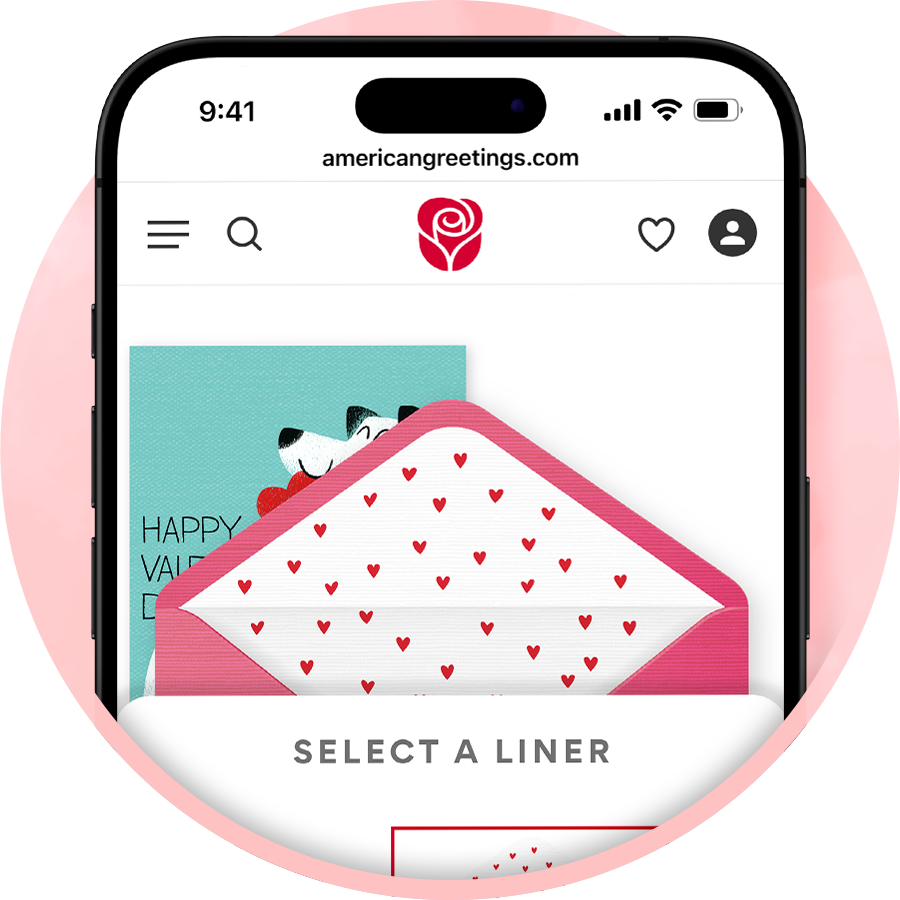
The envelope is the first thing your recipient will see when they receive your card — you want it to look just as good as the card inside of it! To customize, simply click on the envelope icon within the valentines card maker and select your favorite liner and stamp designs.

7. Choose the Envelope Liner and Stamp

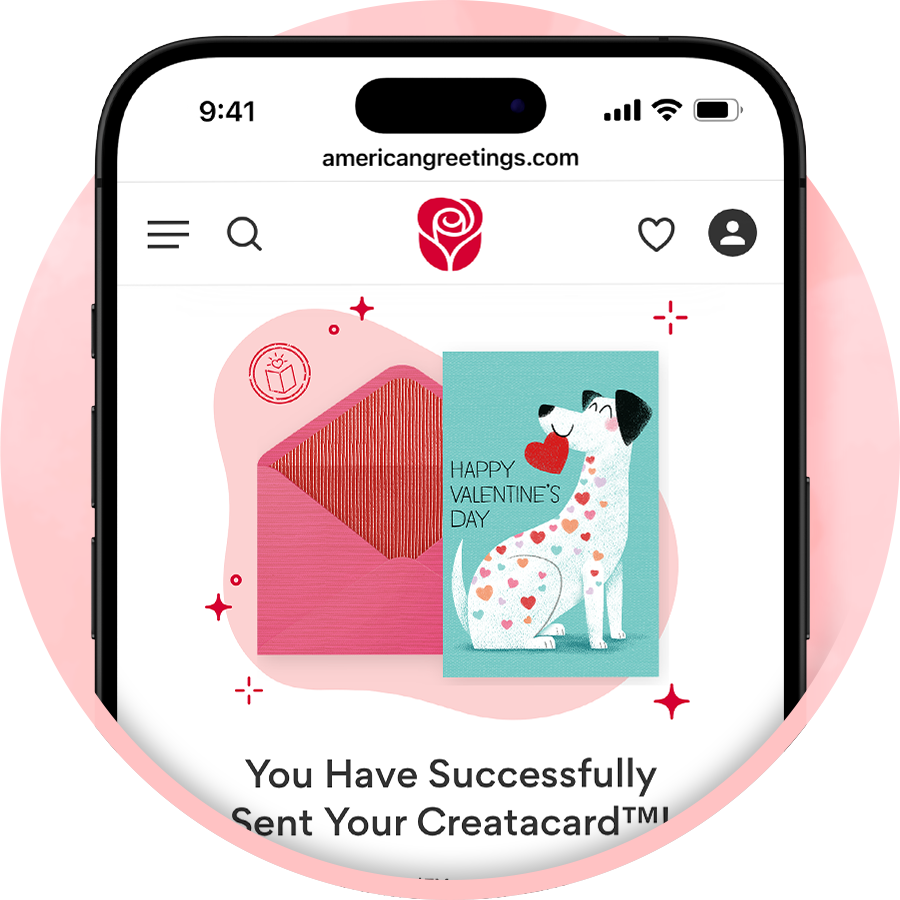
Now it’s time to share your custom Valentine’s Day card! For quick delivery, choose to share digitally, either by email, text or a shareable link you can post on social media or in a messaging app. To send your card in the mail or deliver in-person, you can print your Valentine’s Day card right at home. Remember, with your American Greetings membership, there’s no limit on the number of valentines you can send!

8. Print, Email or Text to Share

Frequently Asked Questions